creator economy
Video Script Converter for Creators
Creating video content doesn’t have to be a slog, especially when you’ve already got great written material.
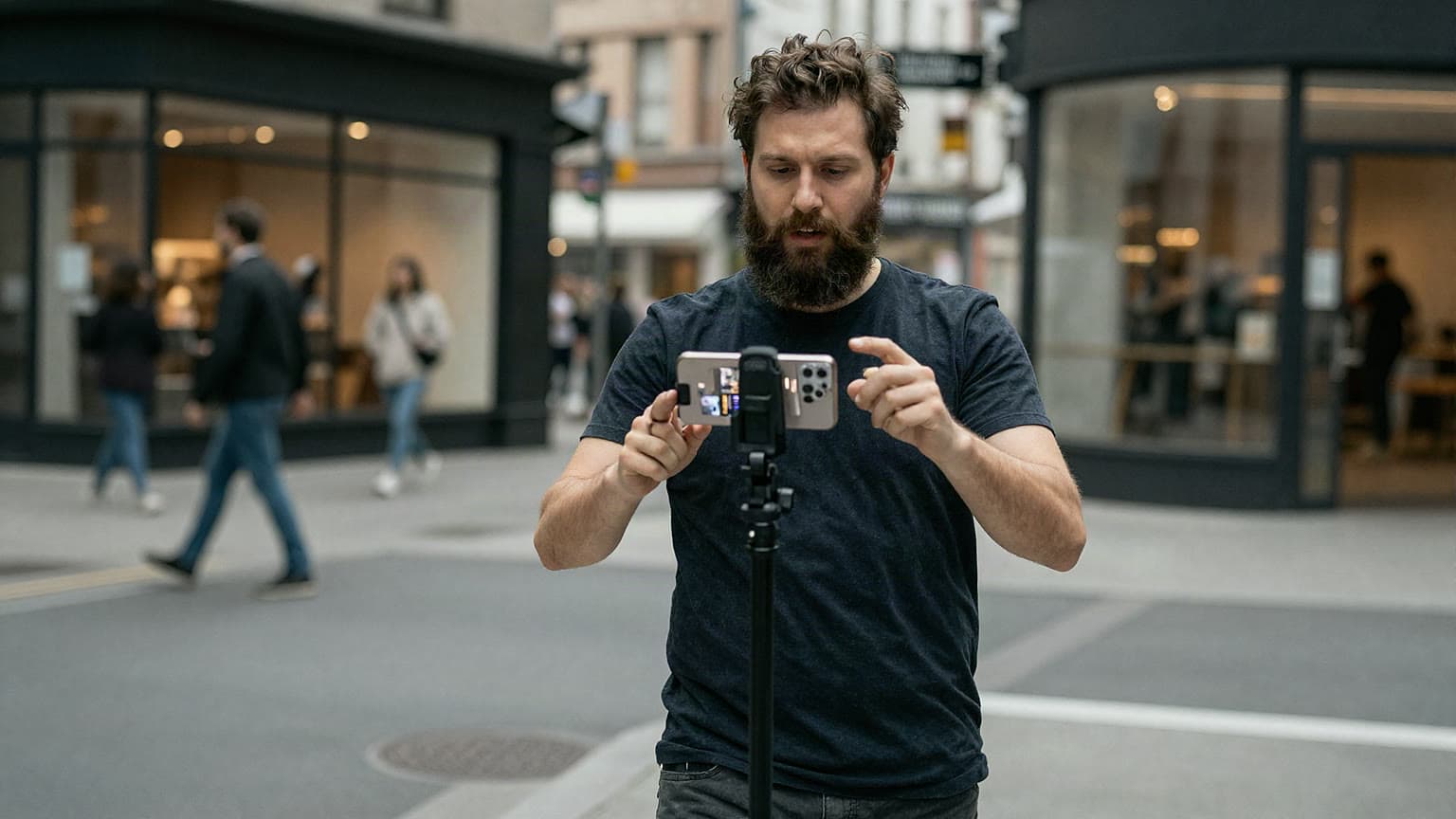
Creating video content doesn’t have to be a slog, especially when you’ve already got great written material. A tool that transforms text into a video script can be your secret weapon, saving hours of brainstorming and rewriting. Imagine taking a blog post you poured your heart into and turning it into a snappy script for YouTube or TikTok without starting from scratch.
Videos are king when it comes to audience engagement, but scripting them can feel daunting. That’s where a text-to-script tool shines·it distills your ideas into bite-sized, speakable chunks. Whether you’re a solo creator or part of a production team, having a utility that crafts an intro, highlights key messages, and wraps up with a punchy call-to-action is invaluable. It’s not just about saving time; it’s about making your content pop on screen. Plus, with built-in guidance to keep scripts short and sweet, you’ll connect with viewers before they scroll away. So, why not give your written words a new life in video form today?
Turn Your Words into Video Magic with a Video Script Converter
How does the Video Script Converter ensure my script is under 2 minutes?
We’ve built the tool with an average speaking pace in mind·about 130-150 words per minute. It trims your input to focus on core ideas, keeping the output concise. Plus, we provide a quick guide on pacing so you can adjust as needed while recording. If it’s still too long, you can tweak the script manually after generating it.
Absolutely! Whether it’s a blog post, article, or even a speech draft, as long as it’s under 1000 words, our tool can handle it. It’s designed to pull out the most compelling parts and shape them into a video-friendly format. Just make sure your text has a clear focus for the best results.
We aim for a conversational, friendly tone that works well for most video content. It’s casual enough for vlogs or social media but professional enough for tutorials or brand videos. If you need a specific vibe, you can always edit the script after it’s generated to match your style.
Frequently asked questions
Why Convert Text to Video Scripts?
AI hosts for Brand Partnerships: A New Model