live streaming
Livestream Topic Planner
Creating content that keeps viewers glued to their screens can feel like a daunting task, especially when ideas run dry.
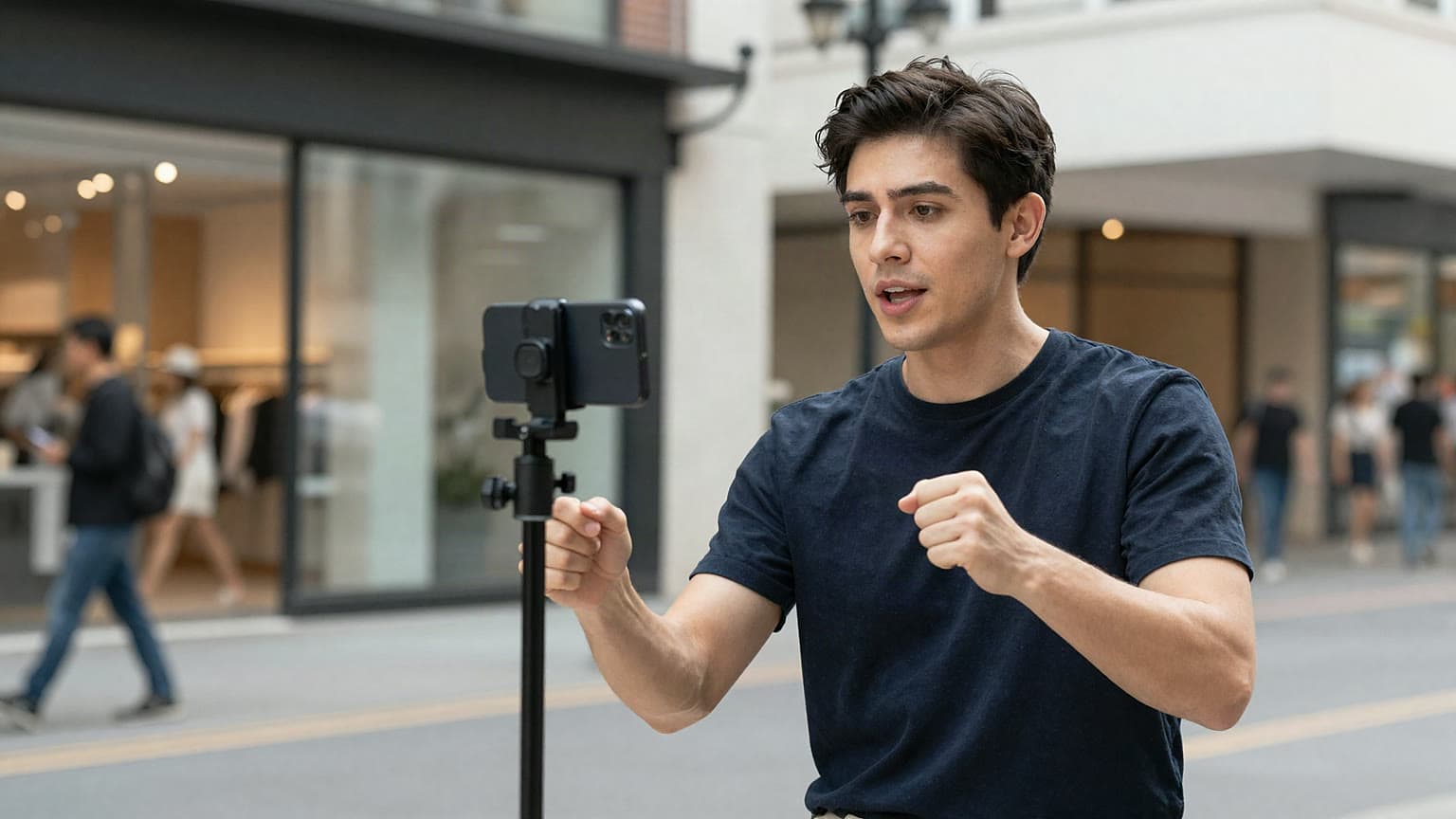
Creating content that keeps viewers glued to their screens can feel like a daunting task, especially when ideas run dry. That’s where a smart approach to brainstorming for live sessions comes in handy. By focusing on your specific audience and niche, you can unlock a treasure trove of concepts that feel personal and exciting. Imagine having a list of tailored topics at your fingertips, each with a clear outline to guide your next broadcast.
Not all audiences crave the same content. Gamers might love a behind-the-scenes look at your setup, while fitness enthusiasts could be eager for a real-time challenge. Matching the vibe of your stream to what your viewers want is half the battle. Tools that help streamline this process can save hours of guesswork, letting you focus on delivering value. Plus, with trending formats like tutorials or interactive Q&As, you’re more likely to spark engagement. If you’ve been searching for a way to elevate your streaming game, tapping into customized planning resources is a game-changer for any creator looking to stand out.
Plan Your Best Livestreams with Ease
How does the Livestream Topic Planner customize ideas for my audience?
It’s all about knowing who’s watching. When you input your target audience, like gamers or craft lovers, the tool pulls from a database of formats and trends that match their interests. For instance, gamers might get a ‘speedrun challenge’ idea, while fitness fans could see a ‘live workout critique.’ It’s like having a brainstorming buddy who gets your crowd.
Absolutely! Whether you’re planning a quick 20-minute check-in or a 2-hour deep dive, the tool adjusts the scope of each topic. Shorter streams might focus on a single segment, like a rapid-fire Q&A, while longer ones could include multiple parts, like a tutorial plus a chat session. Just input your duration, and it’ll scale the ideas to fit.
Not at all! Whether you’re just starting out or you’ve got a loyal following, this planner helps anyone stuck on ‘what’s next.’ Newbies can lean on the structured outlines to feel confident, and seasoned creators can use the fresh angles to mix things up. It’s built to inspire at any level.

Why Tailored Topics Matter
Can I use this tool for short or long livestreams?
AI Hosts for Brand Partnerships: A New Model
Is this tool only for experienced streamers?
- HowBrands Can License Creators Using AI
- AI-Driven Influencer Marketing Explained
See an AI creator sell your products live
Connect your catalogue and go live in minutes · no studio, no crew.