AI
Engagement Rate Calculator for Social Media
An engagement rate calculator shows how actively your audience interacts with your content. Plug in likes, comments, shares, and followers to get your score.

An engagement rate calculator shows how actively your audience interacts with your content. You plug in follower count, likes, comments, and shares, and it returns a percentage that tells you whether your posts are resonating. For brands and creators alike, that number is the fastest way to gauge content performance.
Having thousands of followers is great, but if they’re not liking, commenting, or sharing, your reach might not be as strong as you think. A high interaction percentage signals that your content is striking a chord, which can lead to better visibility on platforms like Instagram or TikTok. It’s also a critical stat for collaborations, as brands often prioritize creators with active, engaged communities over sheer numbers.
Unlock Your Social Media Potential with an Engagement Rate Calculator
What is a good engagement rate for social media?
Simply input your data, follower count, likes, comments, and shares, and get instant feedback on your performance. Compare multiple posts to spot patterns and tweak your strategy. With these insights, you’ll be equipped to create content that truly connects and drives results.
It depends on the platform and your niche, but generally, a rate of 1-2% is considered average on platforms like Instagram or Twitter. If you’re hitting 3-5%, you’re doing great, your audience is actively interacting with your content. Over 6%? That’s exceptional, often seen with highly engaged micro-influencers or viral posts. Keep in mind, larger accounts tend to have lower rates due to sheer follower volume, so context matters!
It depends on the platform and your niche, but generally, a rate of 1-2% is considered average on platforms like Instagram or Twitter.
Why Engagement Matters More Than Followers
How is engagement rate calculated with this tool?
We use a straightforward formula: Engagement Rate = [(Likes + Comments + Shares) / Followers] * 100. You plug in your numbers, and we do the math, rounding the result to two decimal places for clarity. The tool also lets you input data for multiple posts if you want to compare performance over time or across campaigns. Plus, you’ll get a little note interpreting your result, like whether it’s above or below typical benchmarks.
Tracking engagement rates gives you a clear picture of how well your content resonates with your audience. It’s not just about vanity metrics like follower count, engagement shows who’s actually paying attention and interacting. By using this tool, you can identify which types of posts spark the most interest, refine your strategy, and build a stronger connection with your followers. It’s especially handy for pitching to brands as an influencer or reporting results as a social media manager.

See an AI creator sell your products live
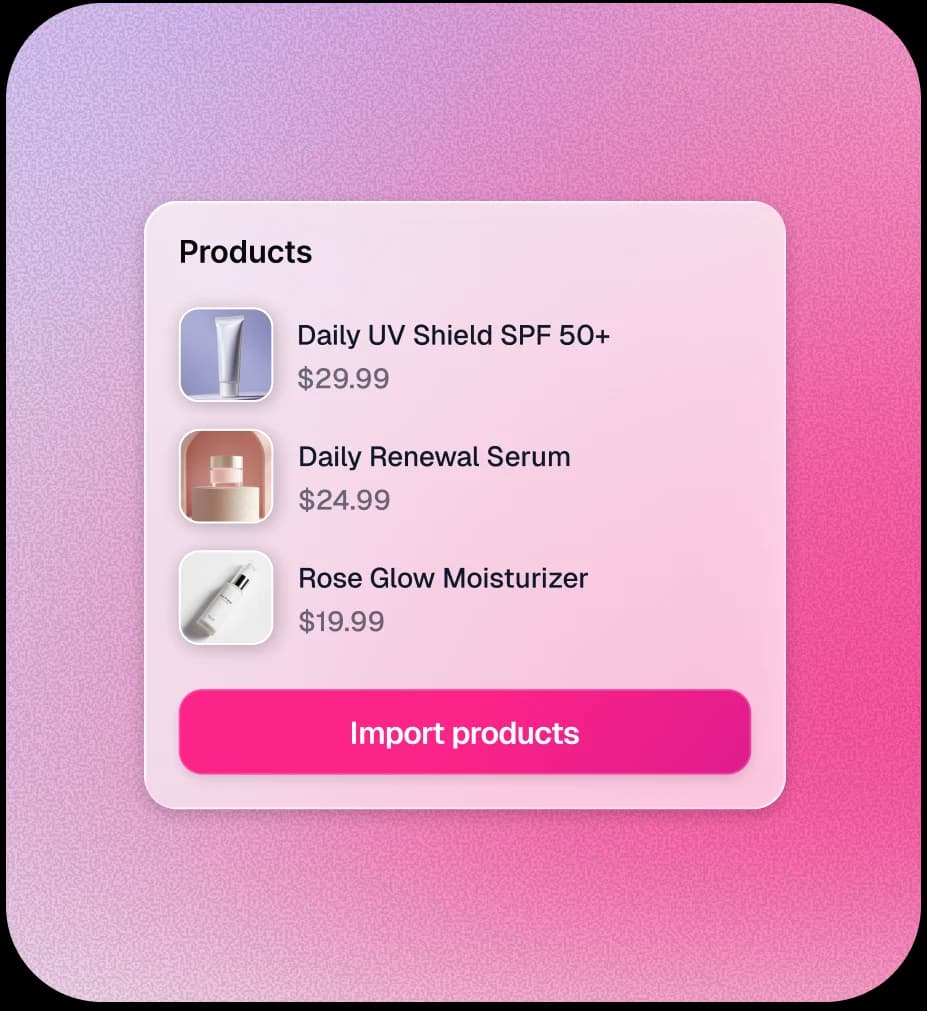
Connect your catalogue and go live in minutes · no studio, no crew.
How to Use This Tool for Better Results
Why should I track engagement rates for my posts?
See what an AI host does to a live stream. Get started with TwinTone or [book a walkthrough](mailto:james@twintone.ai).
AI hosts for Brand Partnerships: A New Model
How
Brands Can License Creators Using AI
AI-Driven Influencer Marketing Explained