AI
How to Build Python AI Agents: Step-by-Step Guide
Artificial intelligence is no longer a futuristic concept; it’s here, shaping industries, automating tasks, and changing how we interact with technology.

Artificial intelligence is no longer a futuristic concept; it’s here, shaping industries, automating tasks, and changing how we interact with technology. For content creators, influencers, and brands looking to scale engagement, AI agents represent a powerful frontier. Imagine an AI assistant that can search the web, remember conversations, and even execute specific tasks · all autonomously. But how do you create such an advanced tool? This article breaks down the process of building an AI agent in Python into three simple steps: creating a basic AI agent, adding memory, and integrating tools for enhanced functionality. Let’s dive in.
At their core, AI agents are powered by large language models (LLMs) such as GPT-5 or open-source models like Llama. These agents are designed to autonomously accomplish specific goals by generating tasks, reasoning, using tools (e.g., web search, APIs), and accessing memory.
You could task an AI agent with booking a flight from Toronto to New York, and it would handle everything · from searching options to emailing the ticket.
It could fact-check statements, summarize online opinions, or even calculate financial projections using code.
AI agents are versatile, making them valuable tools for tasks ranging from market analysis to audience engagement strategies for creators.
The first step is to create a simple AI agent using Python. This foundational agent will process instructions and provide outputs but will lack memory or access to tools.
Install the necessary libraries, including OpenAI’s Agent SDK.
Step 1: Build Your First Basic AI Agent
Key Insight
Use SQLite as the memory backend to store conversational data.
Update the agent’s configuration to include memory:
Ask the agent follow-up questions to see if it remembers context. For instance:
Q1
"What is Tesla’s current market share in the US EV market?"
A1
"Tesla holds around 70% of the market."
Q2
"How does that compare to last year?"
A2
"Tesla’s market share has decreased slightly compared to last year."
Step 2: Add Memory for Contextual Understanding
How to Add Memory
For content creators, memory-enabled AI agents can handle intricate workflows, such as planning long-term campaigns or responding to complex audience queries with context. It transforms the agent from a static tool into a dynamic collaborator.
To unlock the full potential of AI agents, you need to integrate tools. Tools allow the agent to search the internet, interact with APIs, and even execute Python code for calculations or simulations.
A tool is essentially a Python function wrapped in a decorator:
For example, use the Tavly API for web search or OpenAI's code interpreter for numerical tasks.
Update the Agent Configuration:
Specify the tools available to your agent:
Run with Enhanced Functionality:
Step 3: Equip the Agent with Tools
Why Memory Matters
Task the agent with real-world scenarios, such as:
With tools, AI agents become capable of multitasking and generating data-driven insights. For creators, this means automating research, audience sentiment analysis, or even generating financial projections · all in one place.
- AI Agents Simplify Tasks: These Python-powered systems can handle complex workflows autonomously, saving time for creators and brands.
- Step 1: Start with a basic agent to process instructions.
- Step 2: Add memory to enable contextual understanding.
"What’s the current price of the Tesla Cybertruck in Canada?"
"Simulate price changes if tariffs rise from 5% to 20%."
Key Takeaways
Integrating Tools
- Step 3: Integrate tools for real-time web search, calculations, and more.
- Memory Creates Context: By retaining previous interactions, AI agents can perform follow-up tasks flawlessly, mimicking human-like understanding.
- Tools Add Versatility: From web searches to data analysis, tools enhance the agent’s capabilities, making it indispensable for creators.
- Low Barrier to Entry: Thanks to platforms like OpenAI, building advanced AI agents is accessible · even for beginners with basic Python knowledge.
- Social media scheduling and optimization
- Automated audience sentiment analysis
- Market data collection and trend predictions
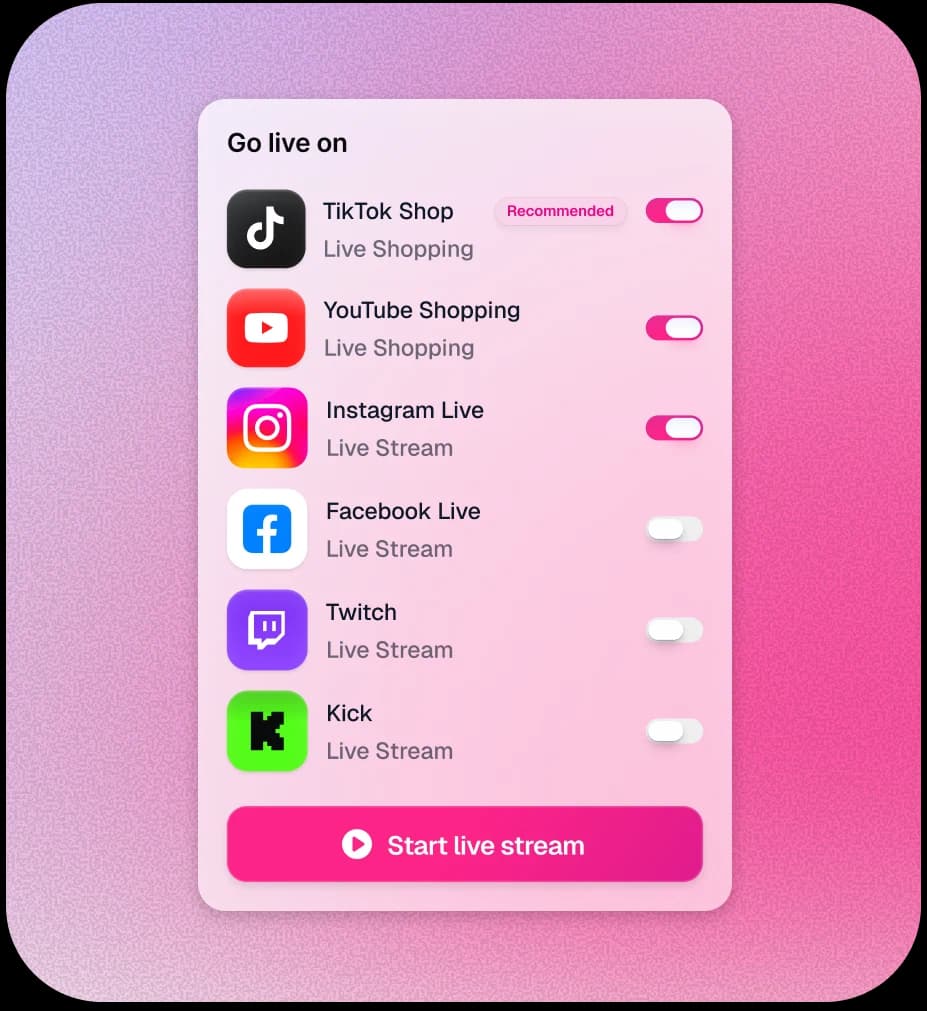
See an AI creator sell your products live
Connect your catalogue and go live in minutes · no studio, no crew.
Conclusion
Why Tools Are Game-Changing
Streamlining sponsorship and ad campaign workflows
AI agents are revolutionizing the creator economy by automating repetitive tasks, enhancing productivity, and enabling creators to focus on their craft. Building your own AI agent in Python is no longer a daunting task. By following three simple steps · creating a basic structure, equipping it with memory, and integrating tools · you can develop a highly functional assistant tailored to your needs. Whether you’re a solo creator or a global brand, the possibilities with AI agents are limitless.
Start small, experiment, and scale your AI-powered workflows. The future of the creator economy is here, and it’s powered by AI agents. Are you ready to build yours?
Source: "Build AI Agents From Scratch in Python (Easy Step-by-step Tutorial)" · Prof. Ryan Ahmed, YouTube, Sep 16, 2025 · https://www.youtube.com/watch?v=iA4g1UHgHy0
Use: Embedded for reference. Brief quotes used for commentary/review.
See what an AI host does to a live stream. Get started with TwinTone or [book a walkthrough](mailto:james@twintone.ai).
- Voice AI Chatbots: Building Personalized Fan Experiences
- AI Upselling for 24/7 Fan Engagement
- How: AI Enhances Creator-Fan Relationships
- Personalized AI for 24/7 Fan Interaction
- AI hosts for Brand Partnerships: A New Model
- How: Brands Can License Creators Using AI
- AI-Driven Influencer Marketing Explained
Frequently asked questions
What Are AI Agents?
Secure your OpenAI API key and store it in your environment file.